
The landscape of Generative AI has shifted drastically. The days of choosing an AI chatbot based solely on brand popularity are gone. For professionals handling AI, Software as a Service (SaaS), automation, and business technology, choosing the right tool directly impacts daily workflow velocity and output quality.
The three major players—ChatGPT (OpenAI), Claude (Anthropic), and Gemini (Google)—have evolved into distinct powerhouses. Each is engineered with a fundamentally different core philosophy, meaning their free tiers excel at entirely distinct business operations.
If you are trying to maximize your productivity without committing to heavy subscription overhead, navigating their free capabilities is essential. This definitive guide breaks down the ultimate Claude vs ChatGPT vs Gemini free tier comparison to help you deploy the right Large Language Model (LLM) for your exact technology stack.
Which Free AI Tool is Best for Your Workflow?
For professionals who need an immediate decision matrix based on task specialization, here is the quick breakdown of how the free tiers stack up for common business use cases:
- For Software Development and Coding: Claude. Anthropic’s free access to the Sonnet family provides unparalleled code syntax correctness, architectural logic, and logical debugging.
- For All-in-One Versatility and Advanced Tools: ChatGPT. It offers the most comprehensive set of free features, including built-in web search, basic image generation via DALL-E, and data analysis through its sandboxed code interpreter.
- For Real-Time Research and Ecosystem Sync: Gemini. It features the most generous free usage limits, deep, native synchronization with Google Workspace, and lightning-fast live search execution.
The Core Philosophy: What Each AI Tool is Built For
To effectively exploit these systems, you must understand their underlying design logic. When you use ChatGPT, Claude, or Gemini, you are interacting with distinct algorithmic engineering philosophies that dictate how they process information and format responses.
1. ChatGPT (OpenAI): The Swiss Army Knife
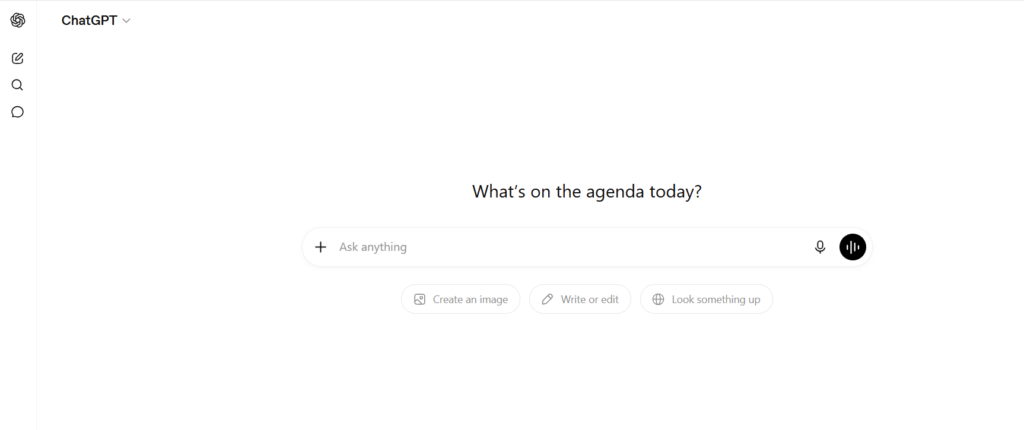
OpenAI designs ChatGPT to be a versatile, highly integrated generalist. It focuses heavily on action execution, external tool integrations, and custom agent capabilities. It behaves like an adaptive digital assistant that can pivot from calculating formulas to rendering a marketing graphic seamlessly.
2. Claude (Anthropic): The Analytical Scholar
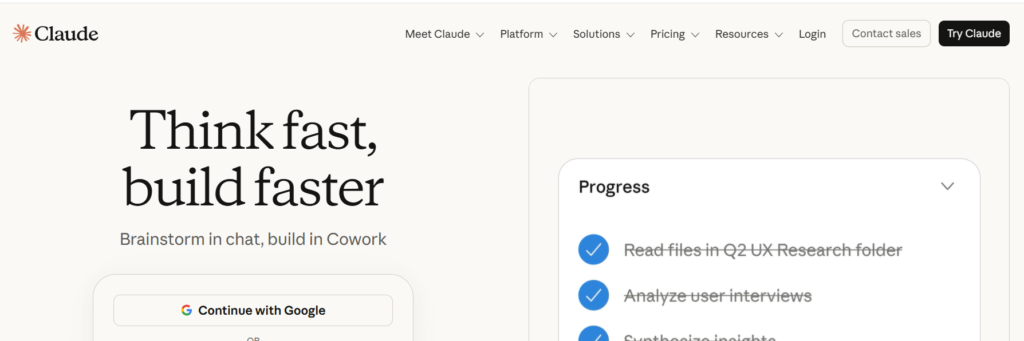
Anthropic builds Claude with a deep emphasis on “Constitutional AI,” safety, and precision. Claude is optimized for deep systemic reasoning, nuanced reading comprehension, structural data manipulation, and high-fidelity text generation. It avoids the fluff and generic platitudes often found in AI content.
3. Gemini (Google): The Multimodal Information Engine
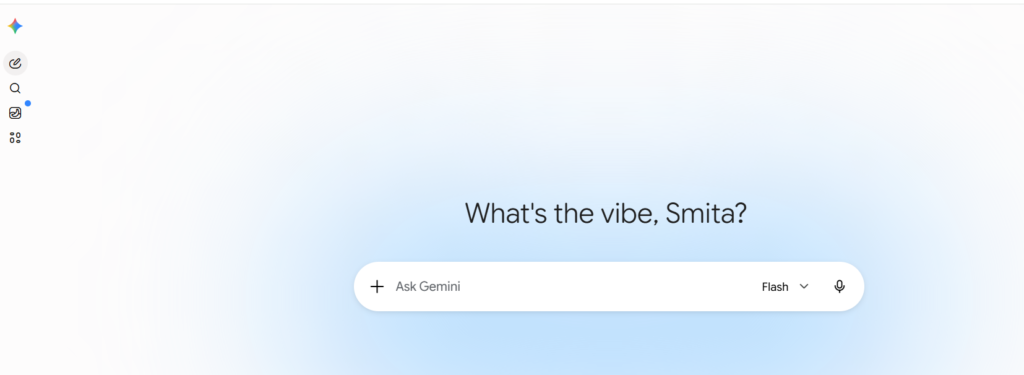
Google engineered Gemini from the ground up to be natively multimodal, meaning it processes text, audio, images, and video simultaneously. Because it sits on top of Google’s index, its primary focus is real-time data retrieval, web grounding, and deep, native integration into productivity environments like Docs, Sheets, and Gmail.
Claude vs ChatGPT vs Gemini: Head-to-Head Feature Comparison
To see exactly what you get without entering a credit card, look at the architectural boundaries and features available inside the free versions of each platform.
| Feature / Metric | ChatGPT (Free Tier) | Claude (Free Tier) | Gemini (Free Tier) |
| Primary Free Model | GPT-4o / GPT-4o-mini | Claude 3.5 Sonnet | Gemini 1.5 Flash / Pro |
| Context Window | 128,000 tokens (with strict limits) | 200,000 tokens (rapid dynamic caps) | Up to 1 Million tokens (most generous free space) |
| Web Browsing | Yes (Native via Bing/OpenAI) | No (Text/Document uploads only) | Yes (Native via Google Search) |
| Image Generation | Yes (Limited daily DALL-E access) | No (Text and code outputs only) | Yes (Native via Imagen) |
| Code Execution | Yes (Advanced Data Analysis sandbox) | No (Static code generation only) | Yes (Python execution sandbox) |
| Document Uploads | Yes (PDFs, CSVs, TXT) | Yes (PDFs, Images, Code files) | Yes (PDFs, Docs, Sheets, Video) |
| Ecosystem Sync | Medium (Custom GPT Marketplace) | Low (Isolated projects/artifacts) | High (Native Google Workspace extensions) |
Writing & Content Creation: Crafting Natural Copy
When evaluating these tools for long-form content production, structural editing, and brand copywriting, the difference in prose quality is stark.
Claude: The Natural Wordsmith
Claude dominates long-form writing and technical content generation. It avoids classic AI hallmarks—like beginning paragraphs with “In today’s fast-paced digital landscape,” overusing words like “testament” or “revolutionize,” or scattering unnecessary emojis across headings.
If you ask Claude to write an analysis or a sequence of content writing images, it generates copy with an organic, variable cadence that reads as if it were written by a seasoned editor. It is excellent at mirroring complex style guides and keeping a consistent voice across multi-step prompts.
ChatGPT: The Fast Brainstormer
ChatGPT is incredibly efficient for structural ideation, bulleted list creation, and high-volume short-form copy. While its raw default output can lean toward a recognizable, enthusiastic AI syntax, you can easily guide it using precise prompting techniques. Learning how to use chatgpt effectively for copy involves instructing it to modify its tone, adjust perplexity, and strip away filler text.
Gemini: The Informational Broadcaster
Gemini produces highly accurate, structured data, but its default narrative style can lean toward the academic or overly verbose. It relies heavily on bullet points and bolding to organize text. However, it is an absolute powerhouse if your content creation requires embedding fresh, live market statistics or real-time news into your drafts.
Read More Blogs: 10 Best AI Tools in 2026 : The Ultimate Guide
15 Best Free AI Tools in 2026: A Full Guide
11 Best Free AI Tools for Small Businesses
Coding & Software Development: The Developer’s Verdict
For engineers and SaaS architects looking at which ai is best for coding, the capabilities of the free tiers vary widely due to resource throttling and backend constraints.
Why Claude Wins the Coding Arena
Claude is widely considered the gold standard for software engineering. Even on its free tier, its ability to reason through complex code syntax, handle object-oriented architectures, and logic check entire code blocks is unmatched.
- Precision: It scores significantly higher on engineering benchmarks (such as SWE-bench) compared to its rivals, showing a deep capacity to fix real-world software bugs without breaking dependencies.
- Artifacts: The platform’s UI separates code blocks into an interactive “Artifacts” window. This allows you to view, run, and iterate on web designs (like HTML/CSS/JS components) side-by-side in real time.
ChatGPT as a Data Assistant
ChatGPT remains a highly capable alternative for general script writing, rapid syntax lookups, and API integration examples. Its core coding superpower is its sandboxed Code Interpreter.
If you upload a raw dataset or an automated spreadsheet script, ChatGPT can actually execute Python code in the background to clean the data, find errors, and return fully functional code along with charts and visual trends.
Gemini for Massive Codebases
Gemini handles simple development tasks efficiently and excels when you need to ingest massive amounts of legacy code. Thanks to its enormous context window, you can paste large segments of a codebase into the chat to map out dependencies or locate logical errors. However, for pure syntax correctness and advanced debugging logic, it regularly trails behind Claude’s precision.
Research, Data Analysis, and Web Grounding
If your day-to-day work requires analyzing long documents, pulling market data, or tracking real-time industry updates, handling information processing effectively is crucial.
Real-Time Inquiries: Gemini Takes the Lead
Because it runs on Google’s search infrastructure, Gemini provides real-time web research that is incredibly fast and accurately grounded. When you ask about live updates, breaking technology news, or current financial datasets, Gemini fetches the web data instantly and provides clear citations linked directly to live sources.
Deep Document Ingestion: Claude’s Analytical Edge
While Gemini has a massive context window, Claude provides highly reliable, deep analysis of multi-page technical PDFs, complex legal contracts, or extensive corporate reports. It excels at cross-referencing disparate points within a 100-page document without hallucinating or losing focus mid-session.
Feature Integrations: ChatGPT’s Functional Toolkit
ChatGPT strikes a strong balance between live browsing and analysis. Its search integration allows it to scan the web effectively for comparative market research. Combined with its file-reading capabilities, you can upload raw operational files and instruct the model to run structural statistical passes, make trend predictions, or instantly format data into Markdown tables.
Common Pitfalls to Avoid Across All Free AI Tiers
Maximizing your output on free AI platforms requires avoiding a few common user mistakes:
- Ignoring Token Depletion and Dynamic Caps: Free models operate under strict, variable rate limits. If you feed Claude or ChatGPT massive documents early in the day, you will exhaust your high-speed access limits quickly and be downgraded to slower, less complex models.
- Relying on Outdated or Unverified Training Data: Unless you explicitly trigger web search functionalities in ChatGPT or Gemini, remember that these models rely on fixed data cutoffs. Always cross-verify critical figures, API hooks, and software dependencies.
- Accepting Cliché Content Hooks: Avoid publishing unedited text from any AI. Look out for overused transitions, repetitive sentence lengths, and generic conclusions that lower your content’s readability and SEO value.
Future Trends: Where AI Platforms are Heading
The division between static chat tools and active execution systems is fading fast. As we look forward, the evolution of these three tools points toward autonomous workflows:
- Agentic Workflows: AI development is moving rapidly toward browser automation and “computer use” capabilities. Instead of simply generating code or text, free and premium models are evolving to handle complex, multi-step actions on your behalf—like navigating SaaS dashboards, filling out forms, or orchestrating cross-app workflows.
- Ubiquitous Multimodality: Text-only interactions are becoming a thing of the past. Native processing of continuous live video feeds, real-time vocal reasoning, and complex image design are quickly becoming standard baselines across all free tiers.
- Localized Context Tracking: Platforms are continually refining their persistent memory structures. Future iterations will seamlessly maintain your project’s context, brand voice guidelines, and development frameworks over months of interaction without requiring continuous re-prompting.
Summary of Strategic Recommendations
Choosing between Claude vs ChatGPT vs Gemini doesn’t mean you have to pick just one. The most productive strategy is to run a hybrid workflow that leverages the specific strengths of each free tier:
- Deploy Claude when you need high-fidelity prose, rigorous copy editing, deep code architecture design, or structural analysis of complex technical files.
- Utilize ChatGPT as your centralized daily operations hub for rapid brainstorming, executing sandboxed data computations, or generating marketing graphics.
- Turn to Gemini when you need to run quick web research on breaking industry trends, cross-verify live market data, or sync your outputs directly with your Google Workspace ecosystem.
By understanding these engineering differences and matching the right tool to the task, you can significantly accelerate your workflow velocity without spending a dime on subscription fees.
Frequently Asked Questions (FAQs)
Which AI tool is completely free without any message limits?
No high-end LLM is entirely unlimited. Google Gemini offers the most generous message limits on its free tier for daily use. Both ChatGPT and Claude employ dynamic usage caps that scale down to less advanced models (like GPT-4o-mini) once you hit your hourly or daily token thresholds.
Can I use the free versions of these AIs for commercial content writing?
Yes, you retain the ownership rights to the text and code outputs generated by the free tiers of ChatGPT, Claude, and Gemini. However, to ensure strong SEO value and high-quality audience engagement, you should thoroughly edit, fact-check, and humanize the text to remove generic AI patterns.
Is Claude better than ChatGPT for writing code?
For most complex coding tasks, architectural design, and deep software debugging, Claude (specifically the 3.5 Sonnet model available on the free tier) consistently outperforms ChatGPT. It adheres strictly to structural constraints and provides highly functional, production-ready code.
How do I use ChatGPT to analyze business spreadsheets for free?
You can upload your .csv or .xlsx files directly into the ChatGPT interface. By leveraging its integrated data analysis features, you can prompt the system to run calculations, isolate anomalies, write automation scripts, or generate visual data trends directly in the chat window.
Which free AI is best at real-time web research?
Google Gemini is the top performer for real-time research. Because it is natively tied to Google’s search architecture, it updates its answers with current web information quickly and provides clear, direct citations back to live sources.