
The corporate landscape of 2026 has crossed a critical threshold: AI is no longer a luxury tool locked behind enterprise paywalls. Professionals, researchers, and students now save an average of 3.5 hours per week by offloading administrative tasks to automated intelligence layers. However, navigating the modern AI ecosystem can be overwhelming. While premium frontier models command steep monthly fees, the best free AI assistants have quietly evolved, offering near-premium analytical capabilities, deep system integration, and advanced multi-modal execution at zero cost.
Finding a powerful free ai assistant that matches your exact setup—whether you need a specialized free ai assistant for pc to index complex local repositories or the best ai assistant for android to handle hands-free voice orchestration—requires understanding where free-tier limitations end and where optimal productivity begins.
The Best Free AI Assistants by Use Case
If you are looking to bypass the granular technical breakdowns and instantly deploy a solution, here are the absolute top-rated free tools classified by their target workspace:
- Best for Multimedia & Mobile Integration: Google Gemini (Flash 3.0). Unmatched for Android-native tasks, voice controls, and automated cross-app execution within Google Docs and Gmail.
- Best Overall for Data Analysis & Drafting: ChatGPT (GPT-5 Instant). Features robust baseline reasoning, data analysis wrappers, and voice brainstorming.
- Best for Complex Reading & Document Summarization: Claude (Sonnet 4.5/4.6 Free). Offers an expansive 200K token context window capable of ingestion and parsing up to 20 long-form research PDFs at once.
- Best for Fact-Checking & Academic Synthesis: Perplexity AI (Free Tier). Automatically searches the live web, maps credible databases, and generates concise inline source citations.
- Best for Local PC Workflows & Privacy: HuggingChat / Ollama. Open-source, local-first environments that allow you to deploy elite open-weight models natively on your computer.
High-Performance Free AI Assistants for PC & Mobile Workflows
To select the right tool, you must match your specific device preferences with an assistant’s platform-level optimizations.
1. Google Gemini – The Best AI Assistant for Android & Google Workspace
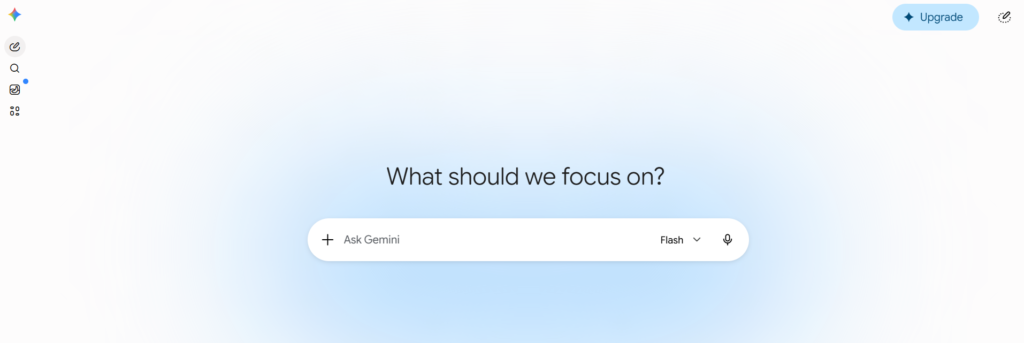
Google Gemini has emerged as a powerhouse for individuals looking for a deeply unified ecosystem across both desktop browsers and mobile devices.
- The Mobile Edge: As the default engine on modern smartphones, it stands out as the best ai assistant for android, letting users voice-activate cross-app automation seamlessly. You can ask Gemini to summarize unread notifications, draft instant smart replies in WhatsApp, or extract flight data directly from your personal Gmail without jumping through separate web portals.
- The Desktop Layout: On desktop platforms, it acts as a dynamic free ai assistant online, integrating directly with Google Cloud and Workspace. This allows you to pull and push raw data flawlessly across Sheets, Docs, and Google Meet transcripts.
2. ChatGPT (OpenAI) – The Premier All-Round Free AI Assistant Online
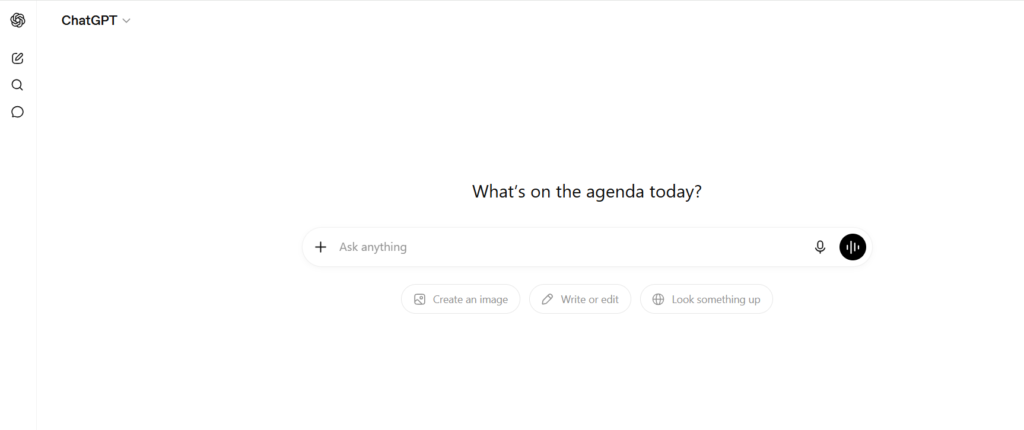
ChatGPT OpenAI’s free ecosystem remains the gold standard for text creation, programmatic code execution, and casual everyday brainstorming.
- Why it Leads: The free tier grants public access to highly optimized frontier models (like GPT-5 Instant) alongside a lightweight companion model (GPT-4o mini). This hybrid approach provides rapid text generation and complex data calculations without hitting strict transaction blocks.
- Productivity Use Case: Perfect for cross-platform workflows. Developers and writers can use the dedicated free ai assistant app for Windows or Mac to quickly toggle a global shortcut window, paste code snippets, or dictate an entire outline using advanced, low-latency speech-to-text processing.
3. Claude (Anthropic) – The Best Free Tool for Long-Document Research
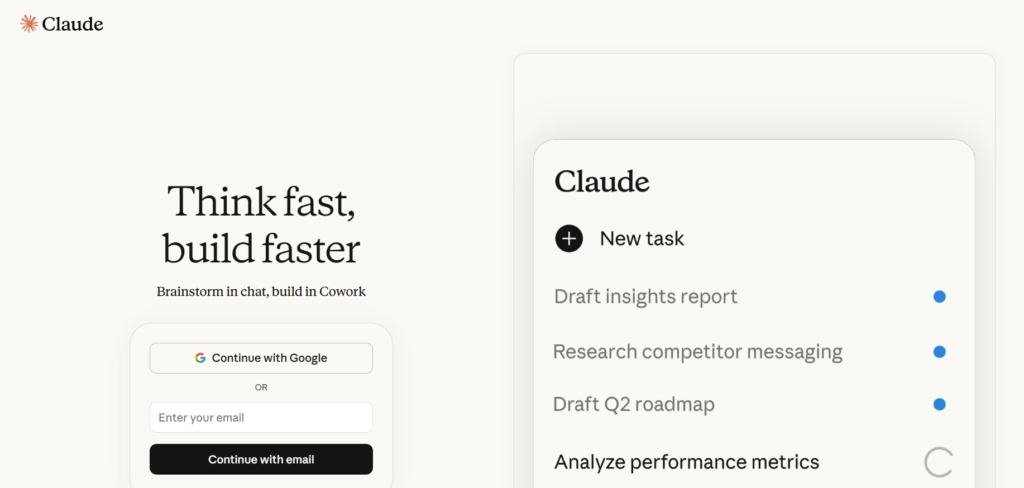
While Anthropic maintains stricter message caps than its primary competitors, its free tier provides unparalleled depth when evaluating extensive academic or enterprise documentation.
- Why it Replaces Others for Research: Most free assistants limit your file uploads or truncate your documents after a few thousand words. Claude’s free tier allows you to drop up to 20 files (at 30MB each) directly into a single session. This lets you synthesize contrasting points across complex whitepapers without exhausting the model’s memory buffer.
- The “Artifacts” Workspace: It features an interactive, side-by-side rendering environment called Artifacts. This allows you to preview generated code, architectural diagrams, or technical documentation in real-time right next to your active chat thread.
Side-by-Side Comparison Matrix
To help you map out your personal toolset, this breakdown details how the leading free ecosystems stack up across platform availability, context handling, and core feature caps.
| AI Assistant / Ecosystem | Ideal Platform Fit | Context Limits & File Ingestion | Key Free Strengths | Core Limitations |
| Google Gemini | Android, Web, Chromebooks | 32K Tokens; Strong cross-app ecosystem scanning. | Real-time web integration, fast voice mode, native Google app extensions. | Analytical depth on dense, multi-file research tasks is limited. |
| ChatGPT (OpenAI) | iOS, Windows, Mac, Web | 128K Tokens; Advanced internal python compiler. | Python code execution, sandbox testing, highly adaptable custom memory. | Flagship model access scales down automatically during high-traffic hours. |
| Claude (Anthropic) | Mac, Web | 200K Tokens; Multi-file batch uploads (Up to 20 files). | Nuanced prose generation, dense conceptual parsing, interactive Artifacts. | Dynamic hourly message caps; no native image generation or live voice mode. |
| Perplexity AI | iOS, Android, Web | Structured web index; Pro search queries included daily. | Auto-generated academic citations, direct links to primary source files. | Not intended for multi-step task execution or long-form writing loops. |
| HuggingChat | Local PC, Linux, Web | Variable by open-weight model choice (e.g., Llama, Mistral). | 100% data privacy, zero corporate indexing, customizable web agents. | Requires manual setup and capable local hardware for offline use. |
Best Practices for Maximizing Free AI Performance
Operating on free tiers requires a strategic approach to circumvent rate limits and avoid common operational traps.
- Implement a Multi-Assistant Pipeline: Do not rely on a single chatbot for everything. Use Perplexity to compile your initial fact-base and source links, drop those raw findings into Claude to synthesize a structured multi-file report, and pass the final text through ChatGPT or Gemini to quickly adjust the tone or convert the assets into mobile-ready emails and slide decks.
- Mitigate Context Bloat: To preserve your hourly message limits on platforms like Claude, avoid asking minor, iterative follow-up questions in a massive thread. Every new message forces the AI to re-read the entire chat history, eating into your token allowance. Start fresh threads for distinct sub-tasks.
- Isolate Proprietary Data: Remember that many public free tiers retain the right to review inputs for machine learning training. Never upload unannounced financials, protected source code, or private user data into public windows. For sensitive computations, use localized options like HuggingChat or an offline model manager.
Read More Blogs: 10 Best AI Tools in 2026 : The Ultimate Guide
15 Best Free AI Tools in 2026: A Full Guide
11 Best Free AI Tools for Small Businesses
Claude vs ChatGPT vs Gemini: Free AI Tool Comparison
Conclusion
The market for the best free AI assistants has settled into an incredibly functional, multi-tool landscape. Rather than searching for a singular, all-in-one software tool to manage your entire life, the real competitive advantage lies in building a flexible, multi-platform pipeline. By pairing Google Gemini for mobile automation and on-the-go voice tasks, Claude for intensive multi-document reading sessions, and ChatGPT for localized coding and data formatting, you can assemble an elite, enterprise-grade workspace completely free of charge. Maintain clean, context-focused threads, guard your private data, and let these autonomous tools handle the administrative friction of your daily routine.
Frequently Asked Questions (FAQs)
What is the best free AI assistant for PC users who prioritize privacy?
HuggingChat combined with local runtime engines like Ollama represents the gold standard for data privacy on a desktop or laptop computer. Because these tools run open-weight models directly within your machine’s hardware memory or on secure, isolated nodes, your corporate files, research codebases, and private notes are never sent back to external corporate servers for model training.
Can I access real-time internet data using a free AI assistant app?
Yes, Google Gemini, Perplexity AI, and ChatGPT all offer live web-browsing capabilities on their free tiers. Perplexity AI excels at this specifically for research, as it reads the top live web results and builds a unified answer with clickable inline citations, whereas Gemini pulls live, real-time data dynamically from across the broader Google search engine.
Is there a completely free AI assistant that has no daily prompt limits?
DeepSeek and HuggingChat are currently the most generous options, offering extensive access to advanced reasoning models without enforcing standard, rigid daily caps. While mainstream options like ChatGPT and Claude implement dynamic throttling based on global server traffic, open-source web ecosystems maintain highly stable access tiers for standard daily workflows.
How do I use a free AI assistant online to summarize an entire textbook?
The most efficient path is deploying Claude’s free tier via a standard web browser. Because Anthropic provides a 200K token context window at $0, you can split your textbook into a few highly compressed PDF chapters (keeping each file under 30MB) and upload them into a single window to extract structural core indexes, cross-chapter insights, and vocabulary matrices instantly.
Why does my free AI assistant app occasionally drop in intelligence or speed?
During peak enterprise operating hours, top platforms use dynamic infrastructure scaling to balance server loads. If public traffic spikes, free tiers will automatically route your prompts away from expensive frontier models down to lighter, high-speed models (such as swapping from GPT-5 down to GPT-4o mini). This keeps your chat active and responsive without causing hard system crashes.