
Running a small business means playing every role simultaneously: you are the marketer, the accountant, the customer service rep, and the strategist. When your time is split across a dozen different channels, operational bottlenecks are inevitable. In 2026, the competitive landscape has shifted dramatically; manual workflows simply cannot keep pace with AI-driven agility.
Fortunately, scaling your business no longer requires a massive software budget or a headcount expansion. Leveraging the best free AI tools allows you to automate repetitive tasks, generate high-converting marketing campaigns, and streamline your operations without spending a single dollar.
This comprehensive guide breaks down the 11 best free AI tools for small business owners looking to maximize productivity, drive organic growth, and outcompete larger corporations this year.
Top Free AI Tools for Business Growth
If you are looking for a rapid software deployment to solve an immediate bottleneck, here is a snapshot of the most effective free AI solutions available today.
| Category | Tool | Best For | Key Free Feature |
| All-in-One Operations | ChatGPT | Daily ideation, drafting, and complex research | Unlimited access to base models |
| Search Intelligence | Google Gemini | Real-time market research and fact-checking | Direct integration with live Google Search |
| Visual Branding | Canva Magic Studio | Designing social graphics and presentations | Over 3,000 free templates and AI layouts |
| Writing & Editing | Grammarly | Professional emails and error-free copy | Real-time tone adjustments and spell check |
| Workspace & Wikis | Notion AI | Building a centralized company knowledge brain | Free workspace with complimentary AI tokens |
| Sales & Pipeline | HubSpot Free CRM | Managing leads and tracking deals | Free AI email writing assistant and live chat |
| Deep Research | Perplexity AI | Competitor analysis and sourcing market data | Clear text answers with verified inline citations |
| Meeting Intelligence | Otter.ai | Transcribing client calls and team meetings | 300 free transcription minutes every month |
| Ethical Commercial Graphics | Adobe Firefly | Creating brand-safe marketing visuals | 25 generative credits per month |
| Organic Growth & SEO | Semrush Free Tier | Finding high-value keywords and site audits | 10 free keyword searches per day |
| Workflow Automation | Zapier | Interconnecting disjointed business apps | 100 free automation tasks per month |
The 11 Best Free AI Tools for Small Businesses
To build high topical authority and drive sustainable business growth, small business owners must deploy specific applications engineered for distinct operational requirements. Let’s explore the individual capabilities of these dominant platforms.
1. ChatGPT by OpenAI
As a foundational generative platform, ChatGPT serves as an indispensable digital assistant for lean teams. It effectively bridges operational resource gaps by functioning as an instant copywriter, brainstorming partner, and code interpreter.
- Primary Use Case: Draft business proposals, summarize dense legal contracts, and build complex customer support templates.
- The Small Business Advantage: It instantly eliminates the “blank page syndrome,” reducing first-draft turnaround times by up to 70%.
2. Google Gemini
For small businesses heavily integrated into the Google ecosystem, Google Gemini offers unparalleled workspace synergy. Because it links natively with live search data, its output is uniquely suited for time-sensitive strategic decisions.
- Primary Use Case: Real-time competitive analysis, monitoring fluctuating supply chain pricing, and extracting summaries from long-form research papers.
- The Small Business Advantage: Unlike isolated models, Gemini minimizes hallucination risks by anchoring answers in live, verifiable web data.
3. Canva Magic Studio
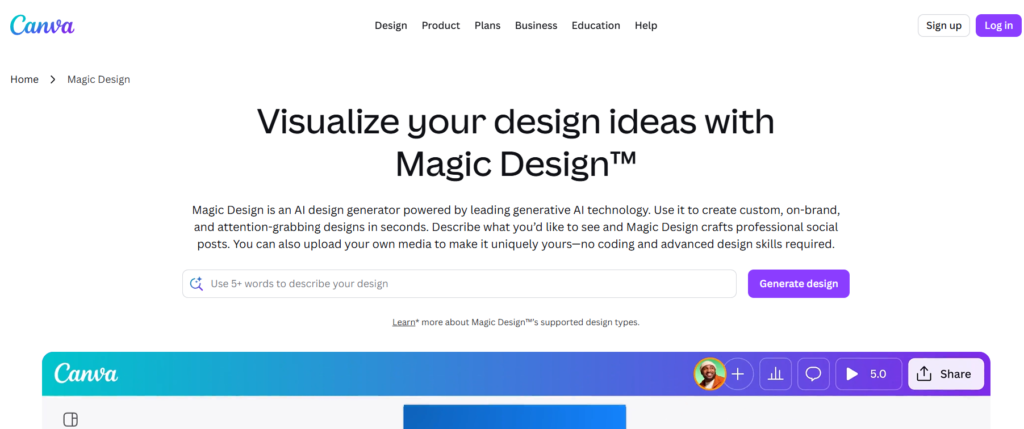
Visual asset creation can easily consume a non-designer’s entire week. Canva layers advanced generative design components over its legendary drag-and-drop framework to remove this creative friction entirely.
- Primary Use Case: Converting standard text descriptions into polished social media carousels, marketing banners, and professional presentations.
- The Small Business Advantage: It democratizes high-end corporate branding, enabling micro-businesses to match the aesthetic authority of funded competitors.
4. Grammarly
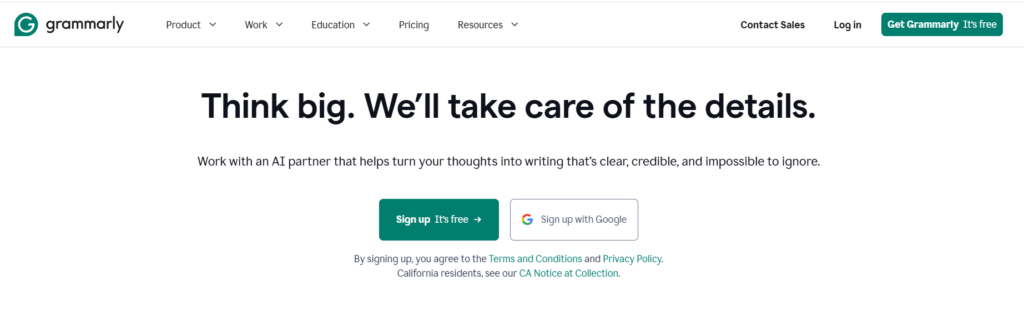
Clear communication prevents client misunderstandings and bad reviews. Grammarly acts as an embedded editorial layer across your entire web browser, ensuring all communication remains highly professional.
- Primary Use Case: Polishing client proposals, formatting outbound customer service responses, and optimizing company newsletters.
- The Small Business Advantage: It goes beyond simple typos to catch passive-aggressive phrasing, awkward structure, or inconsistent brand tones before you hit send.
5. Notion AI
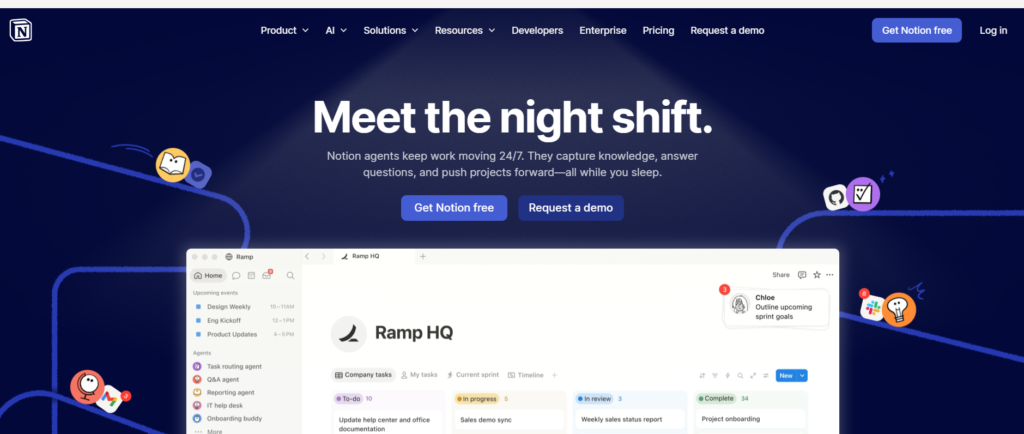
Fragmented internal knowledge destroys small team productivity. Notion allows companies to house docs, projects, and roadmaps in a single location, while its built-in AI functions as an on-demand information retriever.
- Primary Use Case: Autogenerating meeting summaries, pulling action items from chaotic brainstorming threads, and translating standard notes into internal wikis.
- The Small Business Advantage: It eliminates digital friction by placing your generative helper directly inside the documents where your team already works.
6. HubSpot Free CRM with AI
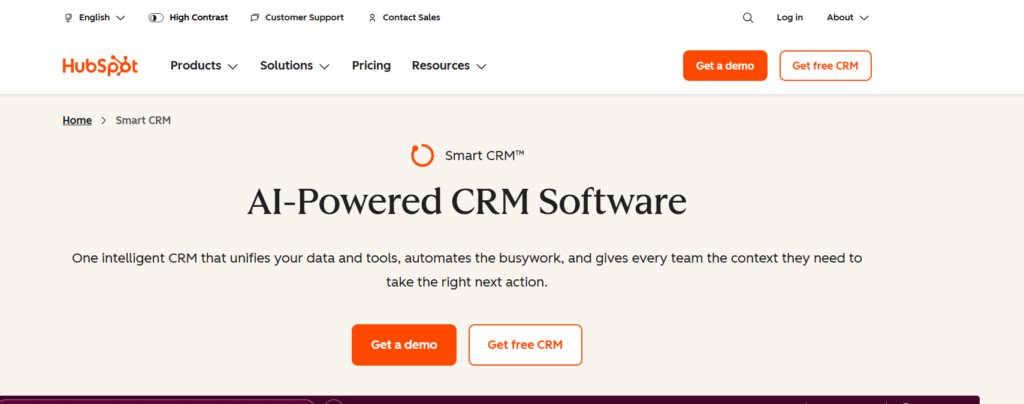
Managing relationships via unorganized spreadsheets is a recipe for missed revenue. HubSpot’s free tier embeds predictive intelligence into sales pipeline management to improve customer acquisition.
- Primary Use Case: Structuring outbound sales tracking, deploying automated customer chat components, and analyzing pipeline drop-off points.
- The Small Business Advantage: It empowers growing teams to track client interactions systematically while using generative text to instantly draft follow-up messages.
7. Perplexity AI
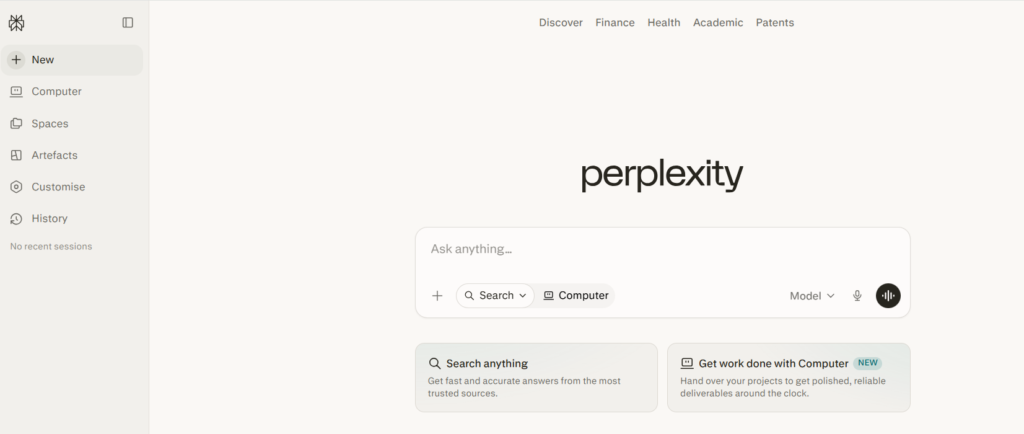
Standard search queries often require filtering through pages of ad-cluttered links. Perplexity bypasses this friction by functioning as an answer engine that parses web documentation and structures synthesized reports.
- Primary Use Case: Sourcing accurate market sizing statistics, checking regulatory changes, and building data-backed slide decks.
- The Small Business Advantage: Every claim includes clickable, inline citations, making it an essential asset for rapid, verified market intelligence.
8. Otter.ai
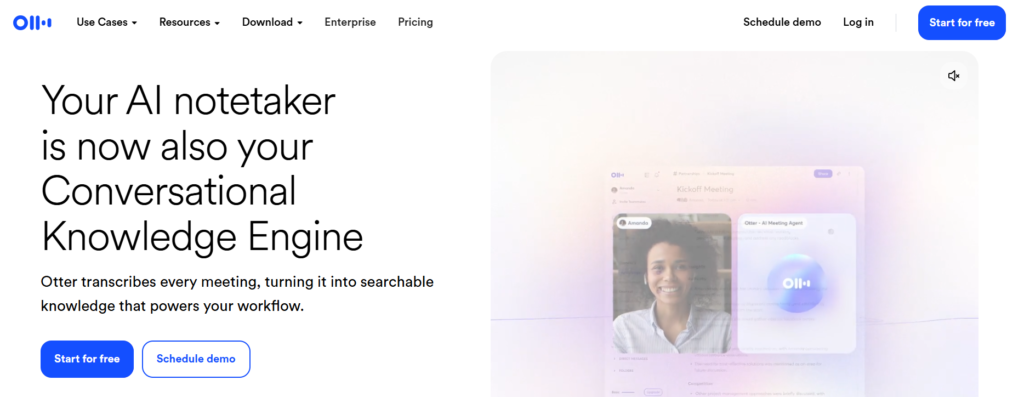
Manually documenting client calls steals hours from billable client execution. Otter joins your virtual meetings to transcribe speech, flag crucial action items, and create structured post-meeting recaps.
- Primary Use Case: Transcribing discovery calls, logging product requirements, and sharing automated summaries with asynchronous team members.
- The Small Business Advantage: It maintains team accountability by ensuring no vital client instruction or agreed deadline is ever buried in unread notebooks.
9. Adobe Firefly
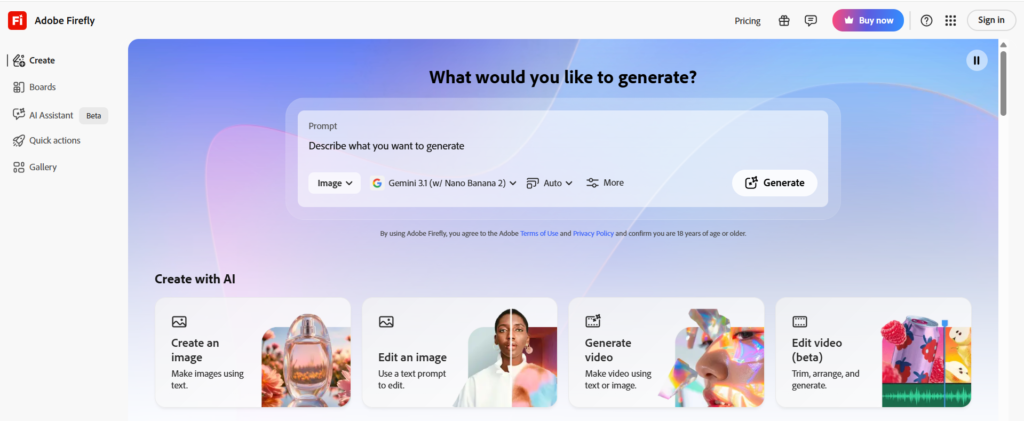
Many free text-to-image models present severe legal liabilities because they rely on scraped, copyrighted imagery. Firefly mitigates this risk by training its neural networks exclusively on licensed and public domain assets.
- Primary Use Case: Generating brand-safe imagery for digital ads, website backgrounds, and original product concept designs.
- The Small Business Advantage: It offers complete peace of mind, providing small e-commerce entities with commercial-grade visual assets free of copyright concerns.
10. Semrush Free Plan
Organic search visibility provides long-term traffic that outlasts short-term paid advertising campaigns. Semrush’s limited free tier opens access to professional-grade tools that usually require expensive recurring software investments.
- Primary Use Case: Identifying low-competition search queries, auditing websites for technical crawling issues, and mapping competitor organic traffic sources.
- The Small Business Advantage: It gives bootstrapped operations clear, actionable insights on exactly how to structure content to rank highly on search engines.
11. Zapier
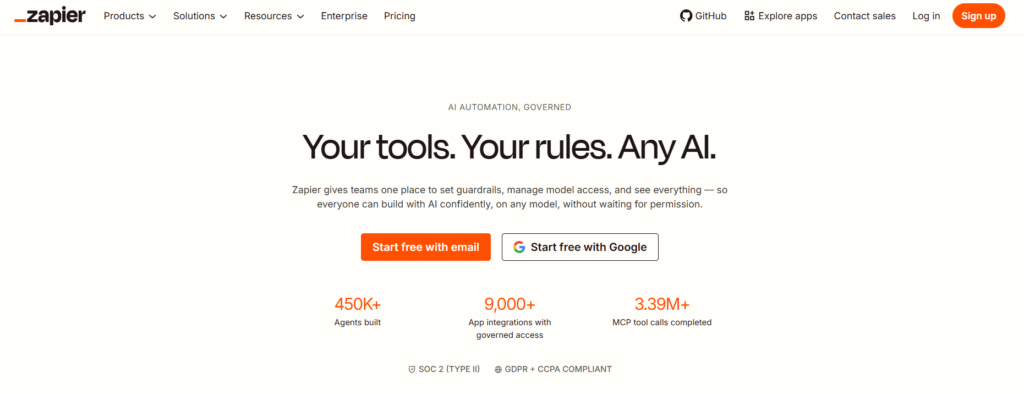
Tool sprawl can easily lead to data siloes if different applications can’t communicate with one another. Zapier operates as an automation layer that instantly pipes data between disconnected services.
- Primary Use Case: Automatically adding a new website lead to your CRM while simultaneously sending an alert notification to a internal messaging channel.
- The Small Business Advantage: It eliminates tedious data entry, allowing solo founders to build highly automated business backends with zero coding knowledge.
4 Common AI Implementation Mistakes to Avoid
While deploying free AI tools offers immediate advantages, many small business operators compromise their long-term growth by falling into predictable workflow traps.
- Over-reliance on Unedited Outputs: Copy-pasting raw text directly from an AI model often results in generic, uninspired content. This can degrade your brand authority and trigger algorithmic filters that flag low-effort text. Always treat AI outputs as a first draft that requires a human touch.
- Leaking Proprietary Client Data: Never paste sensitive consumer information, trade secrets, or unreleased financial metrics into free, public AI models. Many standard tiers use input history to retrain public systems, posing severe data security risks.
- Allowing Software Sprawl to Explode: Actively signing up for every tool listed online creates digital clutter. It’s much smarter to pick three foundational platforms that address your biggest daily bottlenecks and master them completely before expanding your stack.
- Ignoring Platform Terms of Service: Certain free applications explicitly restrict usage to personal use or place caps on monetization. Always double-check user agreements to ensure your commercial workflows remain fully compliant.
Step-by-Step Guide: Integrating AI Tools into Daily Workflows
Successfully launching AI tools for small business operations requires a structured approach. Transition your daily workflows from manual labor to automated systems by using this 4-step framework.
- Identify the Core Bottleneck (Week 1): Track your time diligently for five working days. Isolate the specific, recurring tasks that consume the most hours without directly driving revenue—such as manual invoice entry or drafting social media captions.
- Deploy a Single Specialized Tool (Week 2): Select one free platform from our matrix engineered to solve that specific problem. For instance, if content generation is slowing you down, install ChatGPT or Grammarly. Master prompting techniques for that single app before introducing more software.
- Build Reusable Process Templates (Week 3): Document successful prompts, build predictable visual layouts, and save custom internal wikis. Creating rigid templates ensures your output remains uniform and high quality, even if different team members use the software.
- Connect Systems via Automation (Week 4): Use Zapier to connect your chosen tools. Automate the data handoff from your customer-facing tools to your backend databases to remove manual copying and pasting entirely.
Conclusion & Strategic Outlook
Looking ahead, artificial intelligence will transform from an optional productivity booster into the standard operating infrastructure for all small businesses. Future developments are moving rapidly toward autonomous AI agents—systems that don’t just generate text, but actively execute complex, multi-step business goals entirely on their own.
By adopting the best AI tools today, you build the internal tech literacy required to navigate this shifting landscape. Start small: isolate your most frustrating bottleneck, pick one foundational platform from this list, and build a scalable, automated workflow that frees up your time to focus on what matters most—growing your business.
Frequently Asked Questions
Are free AI tools safe for small business data?
Most free tiers use entered text data to train future models. To maintain data privacy, always turn off history tracking in your account settings and never paste sensitive intellectual property or personal customer information into public prompts.
Will using free AI content hurt my Google search rankings?
Google rewards high-quality, helpful content regardless of how it’s created. However, publishing unedited, generic AI copy often lacks original insights and real-world experience (E-E-A-T), which can negatively impact your long-term organic performance.
Can free AI tools completely replace human employees?
No. AI applications function best as productivity multipliers, not complete human replacements. They excel at processing large amounts of data and handling repetitive tasks, but they lack the genuine empathy, creative problem-solving, and strategic judgment of human staff.
What are the limits of relying on free AI plans?
Free tiers typically feature strict usage caps, slower processing speeds during peak hours, and limited access to the latest advanced models. As your business grows, you may need to transition to premium plans to unlock deep API integrations and advanced features.
How do I prepare my business for AI Search Overviews?
Ensure your website uses structured data, write direct answers to common user questions, and focus on building genuine industry authority. AI search engines pull answers from verified sources that consistently demonstrate real-world expertise.